
Report a Breathedge 2 Bug: Steps, Saves and Report Template
Use Breathedge 2's in-game Report Bug tool, prepare a reproducible report, attach an affected save, or contact the developer if the game will not load.
FAQ
How do I open the Breathedge 2 bug reporter?
Where can I report a save that will not load?
Do I have to attach a save or email address?
How do you send a Breathedge 2 bug report?
The developer’s launch instructions give this route:
- Open the pause menu with Esc.
- Select Report Bug.
- Describe the problem and the steps that caused it.
- Use the save-attachment option in that window when the current save reproduces the issue.
- Add contact information if you want the developer to be able to ask follow-up questions, then submit.
Save attachment and contact details are optional. For a story-state problem, a save from before the failing interaction is often more useful than a screenshot of the final symptom.
What should you check before sending the report?
Compare the installed version with the official patch tracker. A useful report says whether the problem remains after the relevant update.
Then separate an unmet objective from a failed objective. Note the exact journal wording and counter. If the issue concerns an ingredient, record the repair panel. If it concerns a controller, include the device and connection type from the input troubleshooting guide.
What can you paste into the description?
Fill only the fields you can actually observe; leave uncertain details labelled unknown.
Game version/build:
Platform and Windows version:
Problem location or exact quest:
Expected result:
Actual result:

Steps to reproduce:
1.
2.
3.

Does it happen every time, sometimes, or once?
Does another save show the same problem?
Last action before the failure:
Controller / keyboard layout (if relevant):
Resolution and hardware (if relevant):
Screenshot or affected save attached:
For example, describe “after attaching this part, the journal still shows this counter” rather than “the quest is broken.” The first form gives the developer a testable transition.
What if the game cannot open the report window?
The developer lists info@breathedge.com in the launch post and asks players with unresolved broken-save cases to contact it in 0.8.7. This is the developer’s address, not a support inbox run by this wiki.
Describe where loading stops and whether the problem affects one save or every save. Keep the affected file available for follow-up. This guide does not prescribe a save-folder path or tell you to replace files manually without a verified recovery procedure.
Which details matter for crashes and performance?
Include CPU, GPU, RAM and the official requirement comparison, plus the location, settings and action associated with the failure. “Stutters whenever this door opens” is more actionable than an overall description of poor performance.
For a public discussion post, share reproduction details while keeping personal contact information and private attachments out of the public text. Use the report tool or published developer contact for follow-up material.
Reviewed September 7, 2026. Reporting routes are official; the template and diagnostic ordering are editorial suggestions.
Related Articles
Gameplay
Breathedge 2 Building and Vehicles: What Is Playable and Planned?
Check when Breathedge 2 plans personal vehicles, ship outfitting, planetary building and warp travel, and what launch repairs actually unlock.
Gameplay
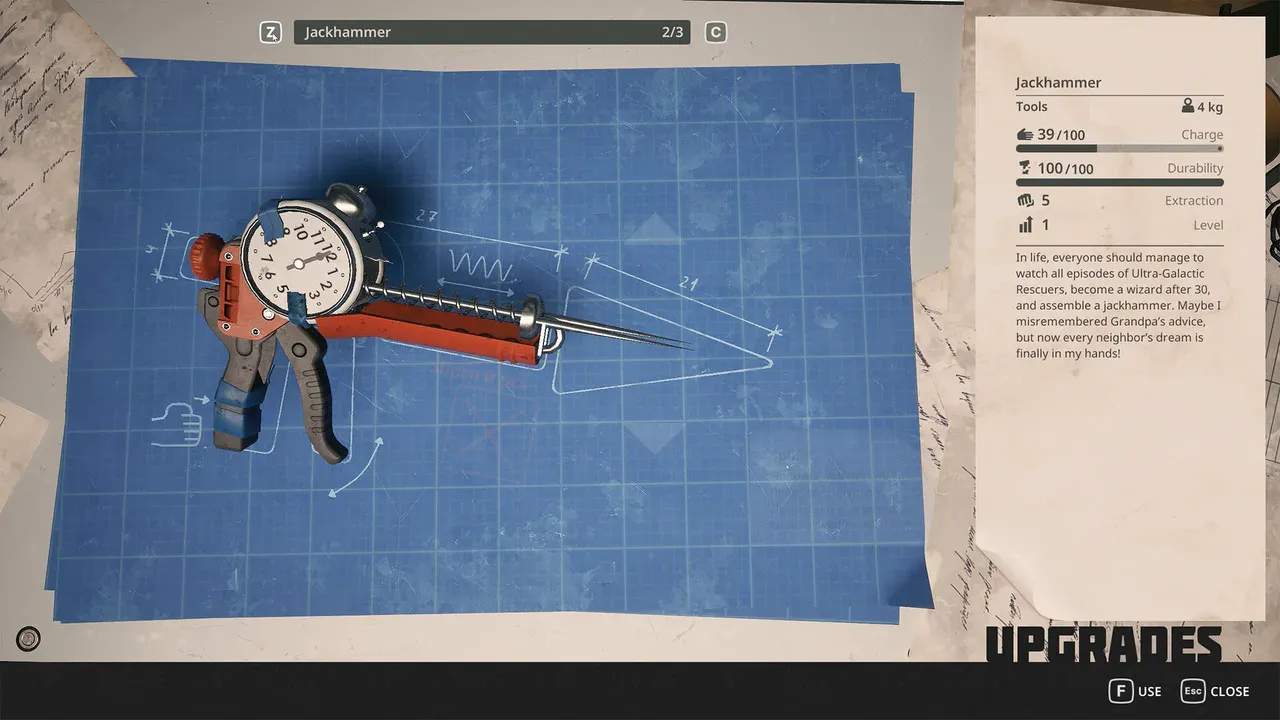
Breathedge 2 Crafting and Upgrades
Learn the Breathedge 2 crafting loop, identify materials by interaction, protect early bottlenecks, plan repairs, and choose useful suit and backpack upgrades.
Start Here
Breathedge 2 PC Requirements: Minimum, Recommended and Checks
Compare your PC with Breathedge 2's official CPU, RAM, GPU and storage requirements, then check bottlenecks and the 0.8.7 ultrawide fix.
Was this helpful?
Thanks for the feedback!