
Breathedge 2 PC Requirements: Minimum, Recommended and Checks
Compare your PC with Breathedge 2's official CPU, RAM, GPU and storage requirements, then check bottlenecks and the 0.8.7 ultrawide fix.
FAQ
Is 8 GB RAM enough for Breathedge 2?
Does the recommended PC guarantee 60 FPS?
Does the Windows listing confirm Steam Deck support?
What are the official Breathedge 2 PC requirements?
Compare every row, rather than using graphics-card generation alone to decide whether your computer meets the listing.
| Component | Minimum | Recommended |
|---|---|---|
| Operating system | 64-bit Windows 10/11 | 64-bit Windows 11 |
| Processor | Intel Core i5-8400 / AMD Ryzen 5 2600 | Intel Core i7-13700 / AMD Ryzen 7 7700X |
| System memory | 12 GB RAM | 16 GB RAM |
| Graphics | GeForce GTX 1660 6 GB / Radeon RX 5500 XT 6 GB | GeForce RTX 3070 8 GB / Radeon RX 6700 XT 8 GB |
| DirectX | Version 11 | Version 11 |
| Available disk space | 15 GB | 15 GB |
Source: Steam’s official requirements, checked September 7, 2026.
How should you compare your own computer?
Write down the full CPU and GPU model, installed RAM, Windows version, and available storage. Keep system RAM and dedicated GPU memory separate: 16 GB of RAM does not turn a 4 GB graphics card into the listed 6 GB model.
For a laptop, record the laptop GPU’s exact name instead of assuming it behaves like a similarly named desktop card. If your hardware differs from the table, the listing alone cannot settle performance. Look for a test that matches the GPU, resolution and game build before treating an FPS claim as useful.
| Your situation | What the comparison tells you |
|---|---|
| One component is below minimum | Another stronger component does not establish compatibility |
| Between minimum and recommended | The listing provides no guaranteed quality preset |
| Meets recommended but runs poorly | Record the scene and settings; investigate a reproducible problem |
| Storage is nearly full | Check the available space on the actual installation drive |
What should you record before changing graphics settings?
Choose one repeatable location, then record resolution, quality options, frame-rate limit and the symptom. Change one setting at a time and return to that same location. Comparing an empty train interior with a busy exterior cannot isolate the effect of a setting.
Describe the symptom precisely: low frame rate, intermittent stutter, a crash, or a resolution that reverts are different issues. This guide has no measured benchmark suite, so it does not label an untested preset “best settings.”
For one specific display fault, 0.8.7 fixes 5120×1440 reverting to 3840×1080.
What if your PC meets the requirements but the problem remains?
First compare the installed build with the verified patch list. Then report the reproduction steps and hardware using the official bug-report route. Include whether the issue affects all saves or only one location.
For input problems, continue to controller support. The Early Access guide explains which content is currently available, so an unfinished story route is not mistaken for a PC fault.
Related Articles
Gameplay
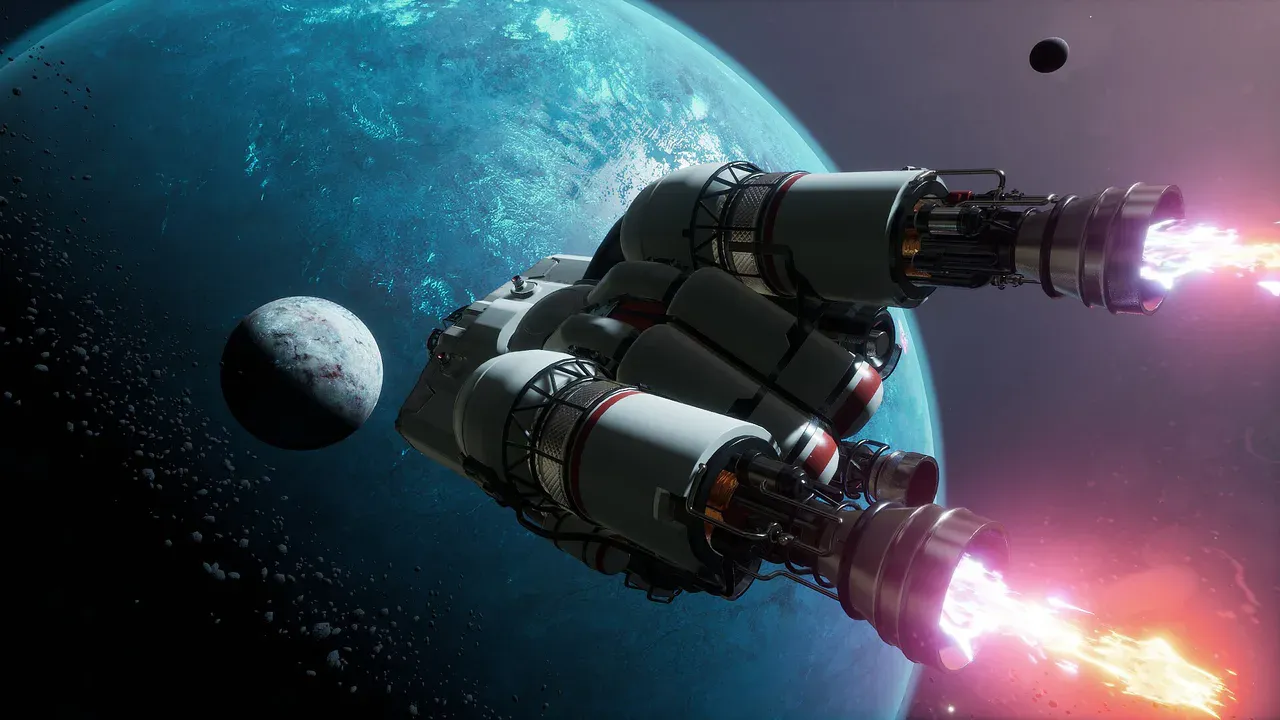
Breathedge 2 Building and Vehicles: What Is Playable and Planned?
Check when Breathedge 2 plans personal vehicles, ship outfitting, planetary building and warp travel, and what launch repairs actually unlock.
Gameplay
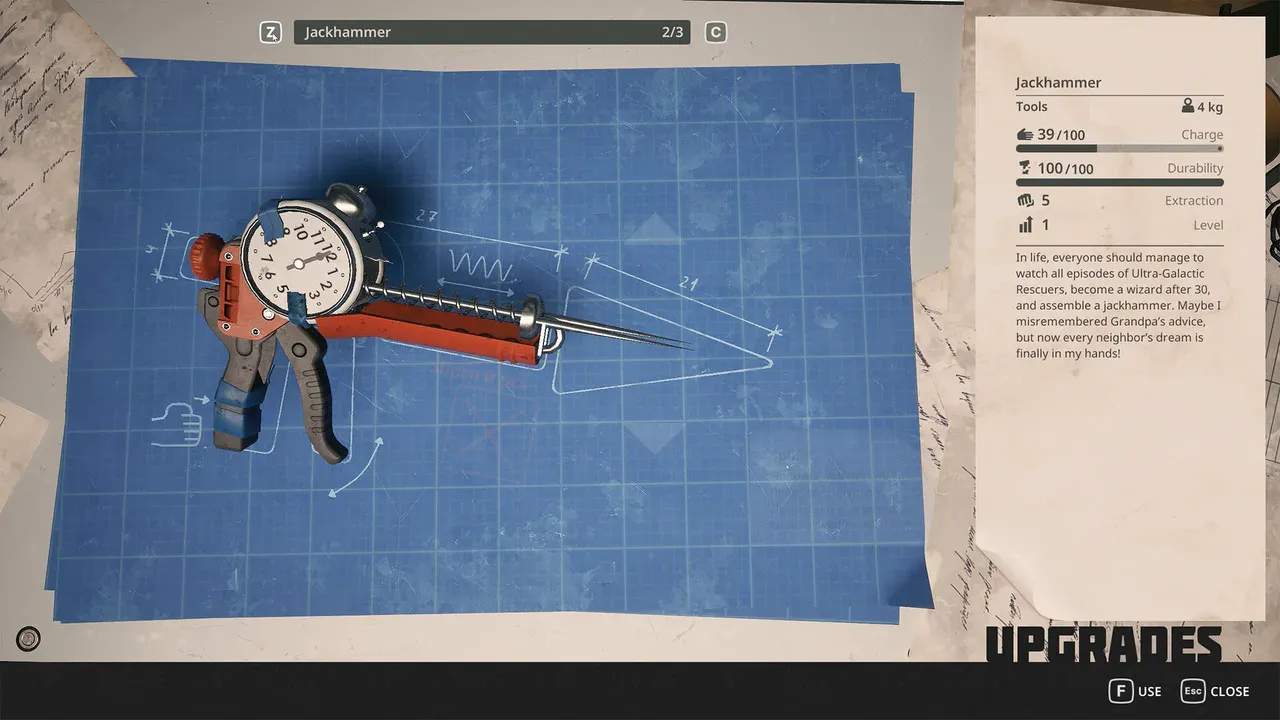
Breathedge 2 Crafting and Upgrades
Learn the Breathedge 2 crafting loop, identify materials by interaction, protect early bottlenecks, plan repairs, and choose useful suit and backpack upgrades.
Start Here
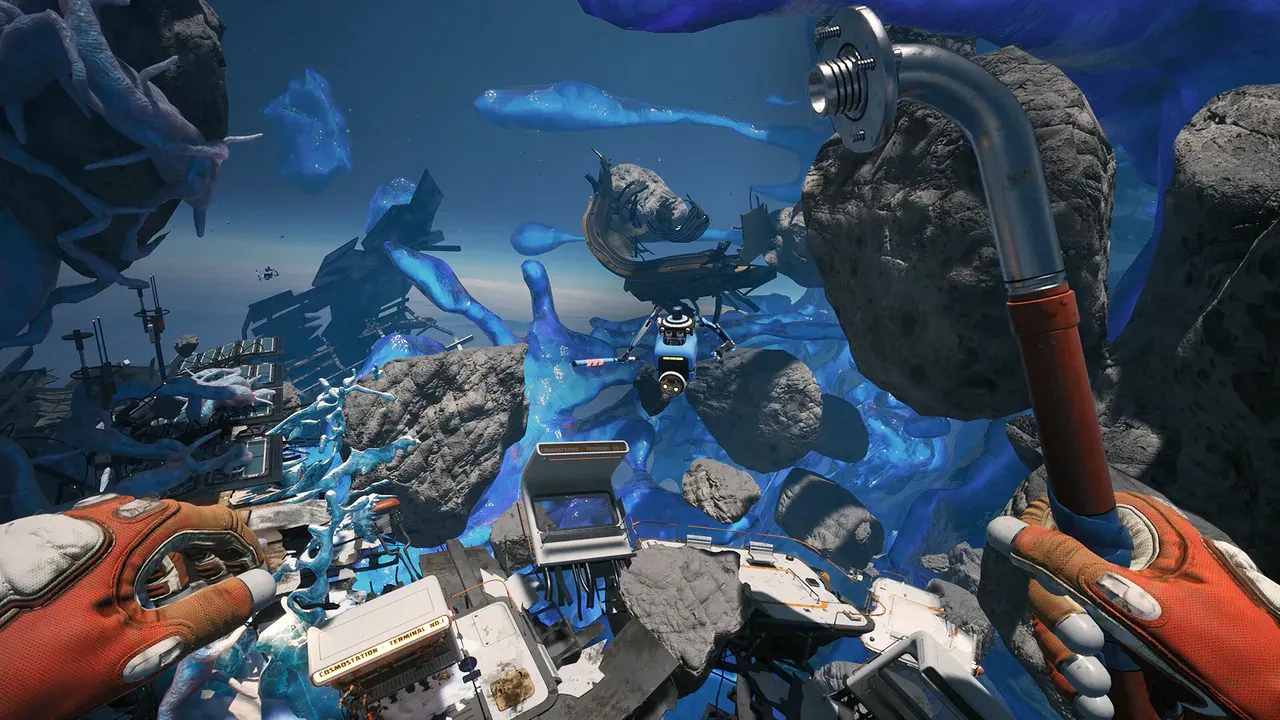
Breathedge 2 Early Access Guide: Start Order and Current Scope
Start Breathedge 2 with a practical first-session route, choose the right focused guide, and distinguish playable Chapter 1 content from the roadmap.
Was this helpful?
Thanks for the feedback!