
Breathedge 2 Start Here
Verified launch status, PC requirements, language support, and the safest place to begin with the Early Access build.
Choose a starting point
Start here if you are deciding whether to install, preparing your first session, or returning after the Demo. The launch guide gives the playing order; the compatibility pages answer the checks to make before you begin.
- Plan your first session
Choose the guide that matches your next blocker: train power, oxygen, insulation or the next story stage.
- Compare your PC
Match CPU, graphics memory, RAM and storage separately, then record a specific symptom if performance still fails.
- Check Chinese text and audio
Separate interface, subtitles and dubbing, and collect useful details for a translation report.
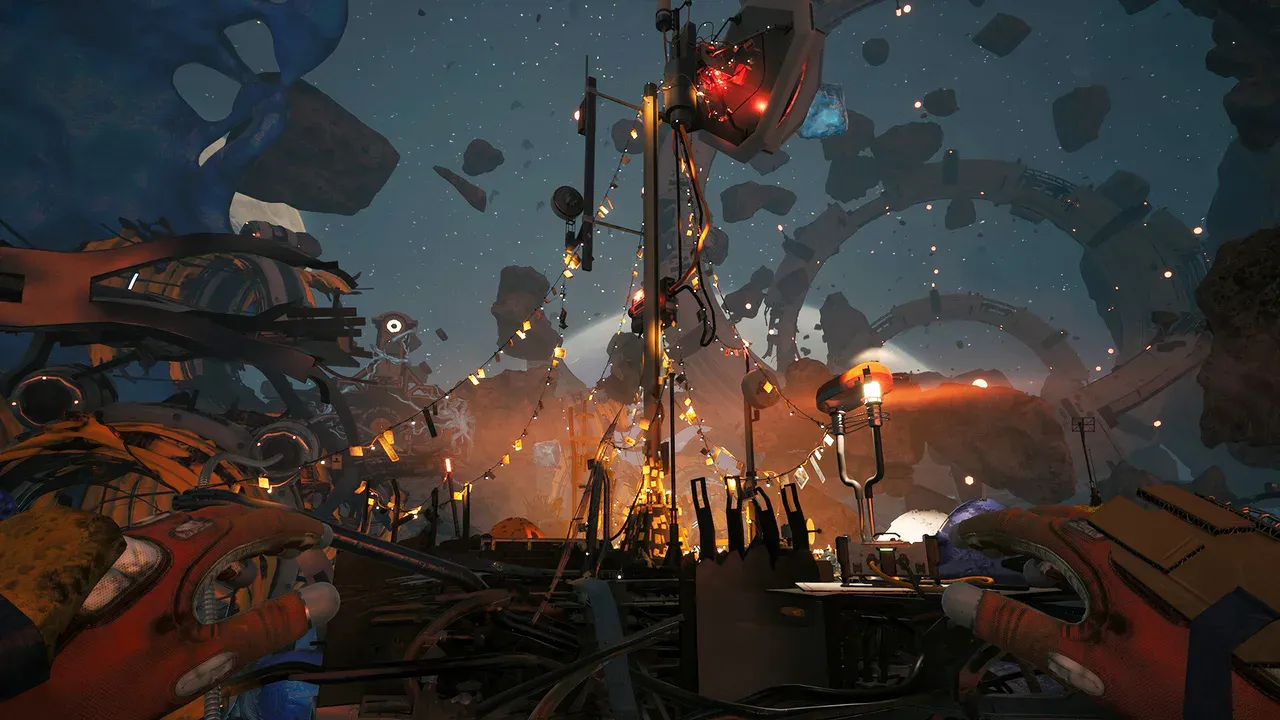
Breathedge 2 Start Here
Breathedge 2 PC Requirements: Minimum, Recommended and Checks
Compare your PC with Breathedge 2's official CPU, RAM, GPU and storage requirements, then check bottlenecks and the 0.8.7 ultrawide fix.
Last updated: 9/7/2026
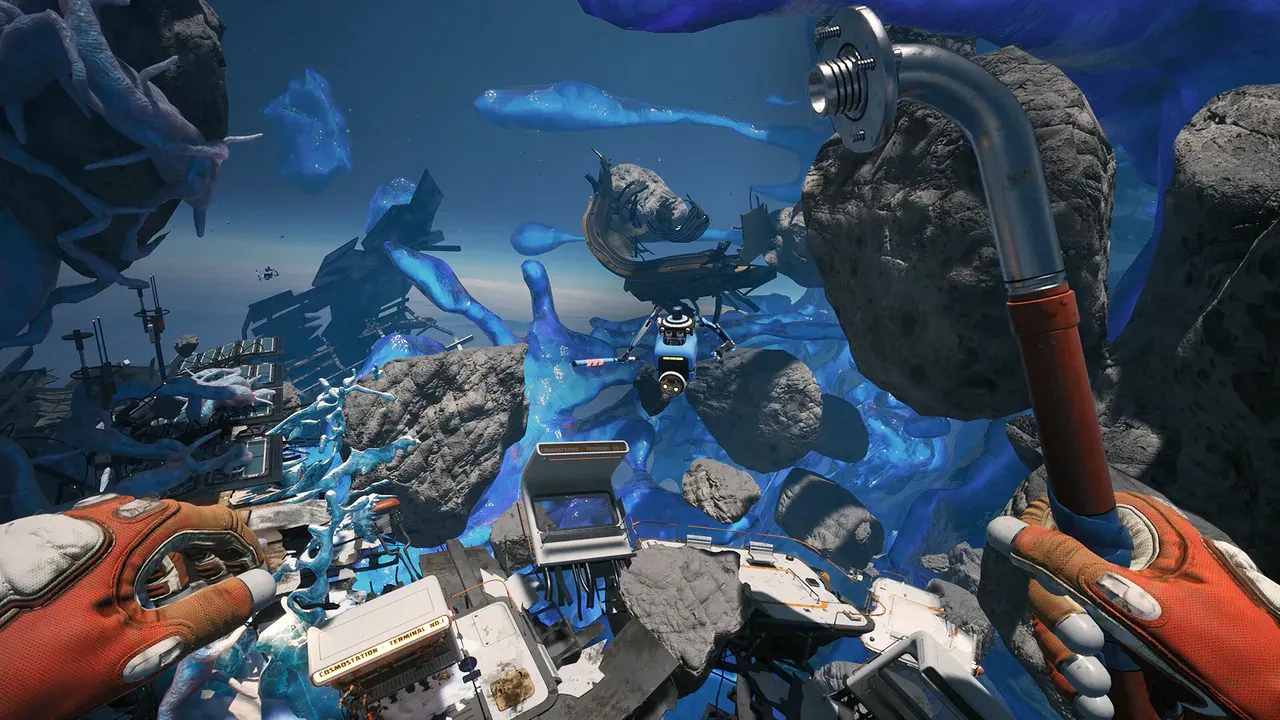
Breathedge 2 Start Here
Breathedge 2 Early Access Guide: Start Order and Current Scope
Start Breathedge 2 with a practical first-session route, choose the right focused guide, and distinguish playable Chapter 1 content from the roadmap.
Last updated: 9/7/2026
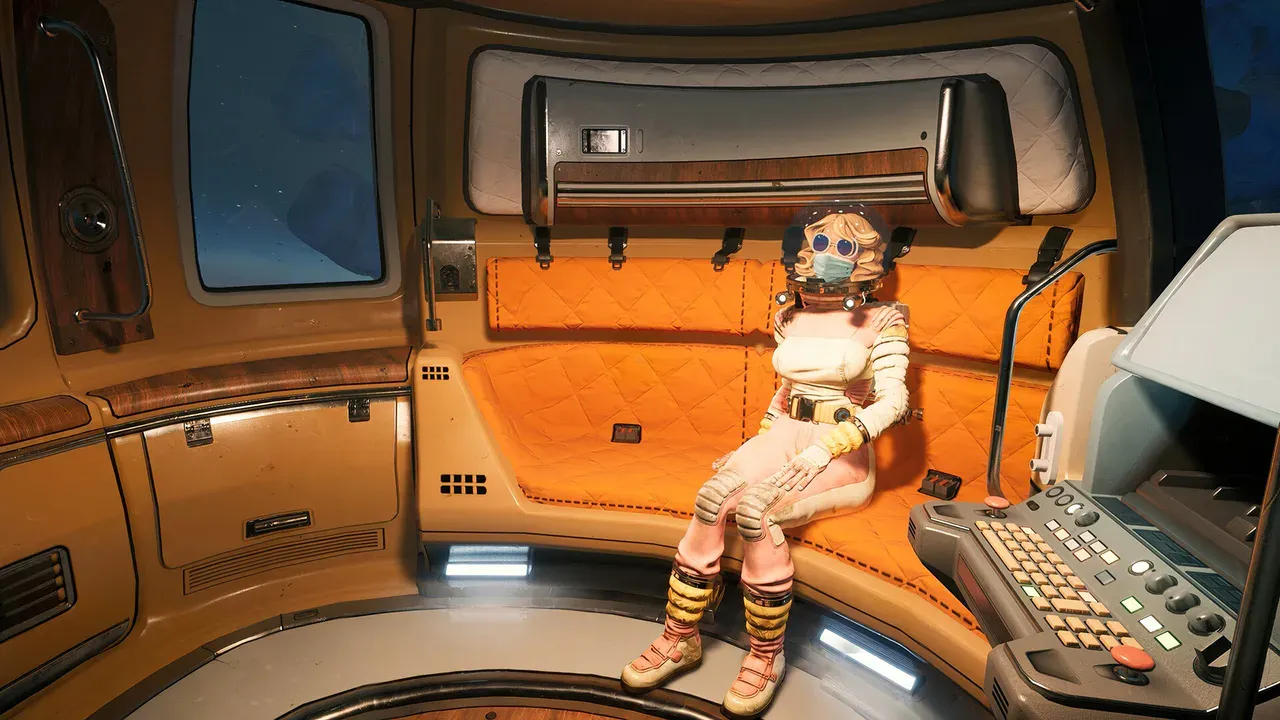
Breathedge 2 Start Here
Breathedge 2 Chinese Support: Text, Audio and Language Setup
Check Breathedge 2 Simplified Chinese text and audio support, language-setting checks, and the details to include in a translation bug report.
Last updated: 9/7/2026
Already in the game?
If the train is still unusable, follow the opening regional walkthrough. Once the journal sends you toward a communication device, use its exact objective rather than clearing every nearby marker. The full chapter route contains late-game spoilers; focused pages let you solve a smaller problem first.
- Station Outskirts opening route
Power, supplies and communications in one regional sequence.
- Read released fixes
Check whether a failed interaction already has an official patch note.