
Breathedge 2 Gameplay and Crafting Guides
What the launch build officially confirms about survival, exploration, crafting, upgrades, repairs, and future systems.
Identify the limit before choosing an upgrade
Gameplay advice is most useful when it changes your next decision. A repair, equipment craft and future construction feature solve different problems. Use the active objective and the displayed requirement to choose the right page.
- Survival and difficulty
Identify whether oxygen, cold, supplies or capacity is ending your trip; check the documented balance change.
- Crafting priorities
Reserve shared materials and decide which repair or upgrade earns the next scarce component.
- Building, vehicles and personal ships
Separate current machinery from later roadmap systems before planning a construction-focused playthrough.
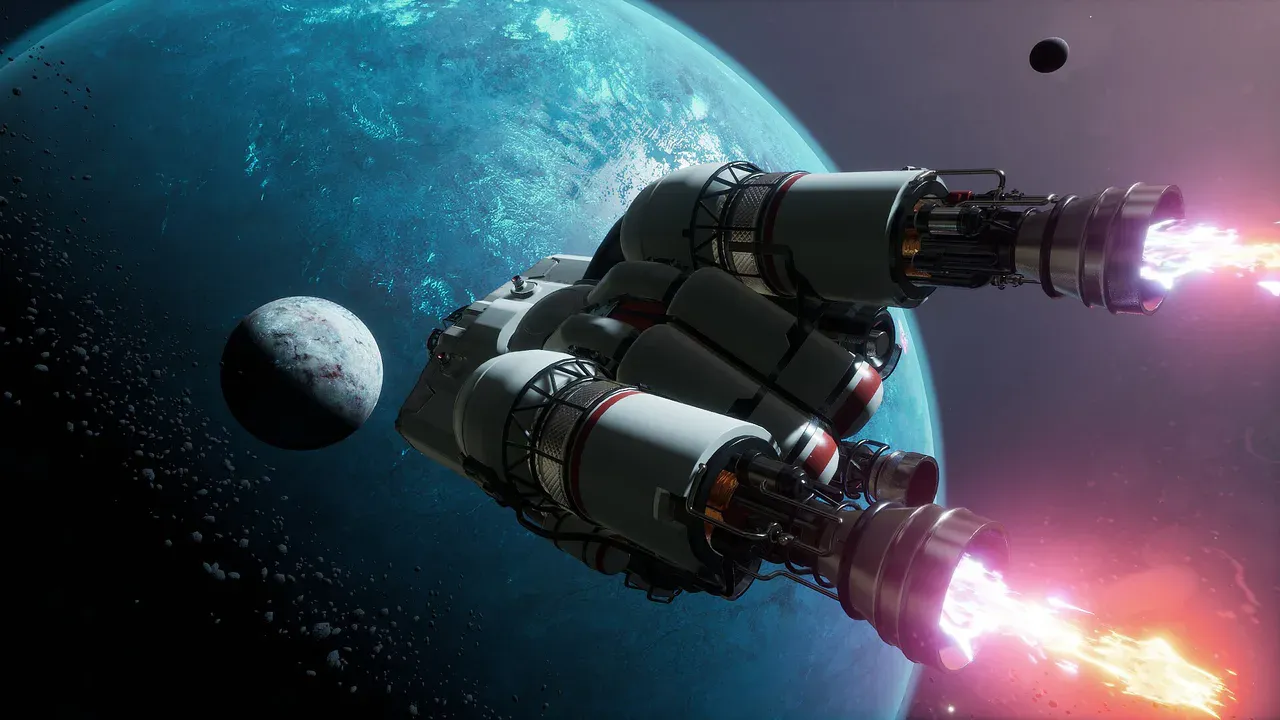
Breathedge 2 Gameplay and Crafting Guides
Breathedge 2 Building and Vehicles: What Is Playable and Planned?
Check when Breathedge 2 plans personal vehicles, ship outfitting, planetary building and warp travel, and what launch repairs actually unlock.
Last updated: 9/7/2026
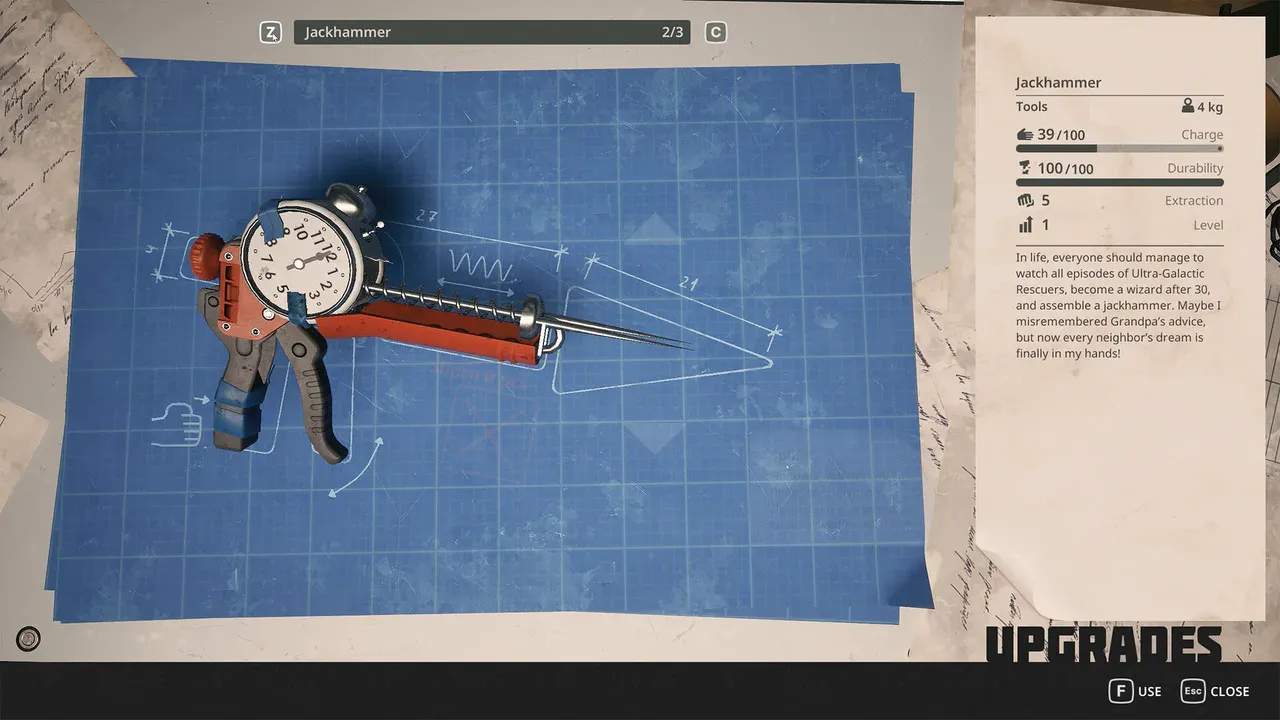
Breathedge 2 Gameplay and Crafting Guides
Breathedge 2 Crafting and Upgrades
Learn the Breathedge 2 crafting loop, identify materials by interaction, protect early bottlenecks, plan repairs, and choose useful suit and backpack upgrades.
Last updated: 9/7/2026
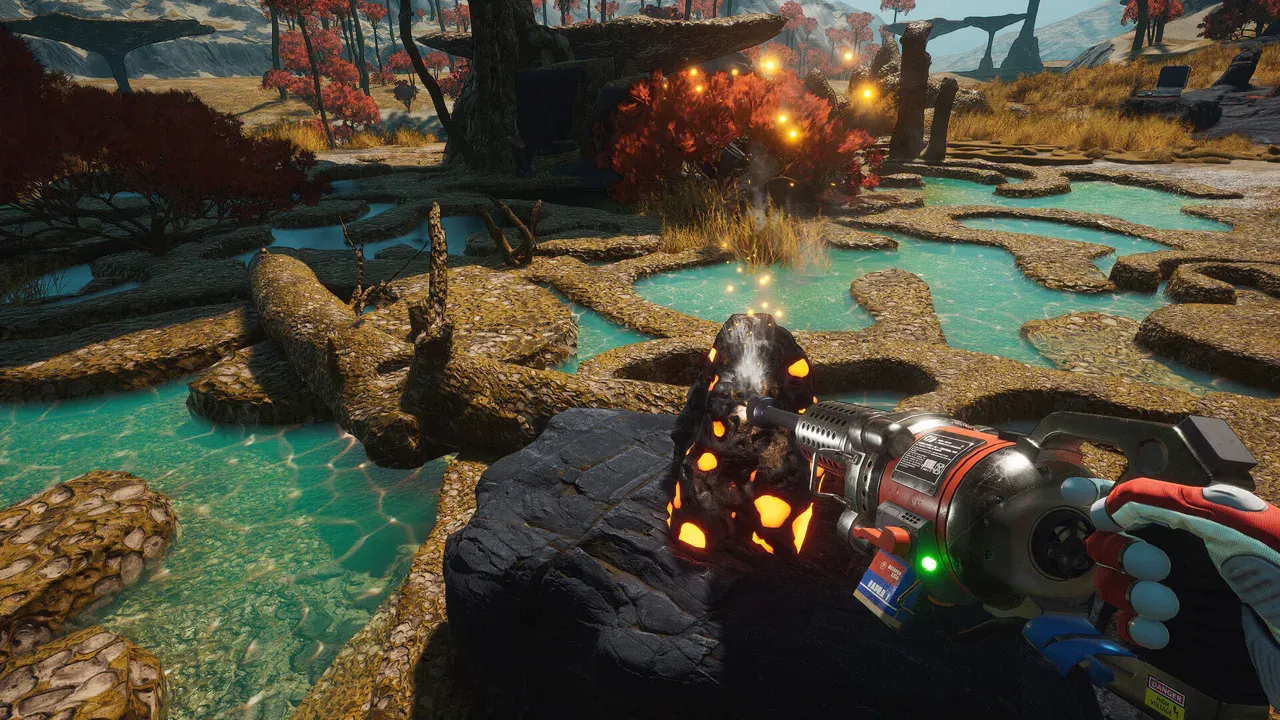
Breathedge 2 Gameplay and Crafting Guides
Breathedge 2 Survival Systems Overview
Understand Breathedge 2 oxygen, cold, food, water, hazards, route planning, and the current Early Access survival priorities that prevent failed runs.
Last updated: 9/7/2026
Turn a mechanic into a workable route
Read a recipe at the destination before collecting its materials. Name the refill or recovery point for the trip, and reserve carrying space for the missing part. If the interaction fails despite meeting its requirement, record the exact object and build rather than changing several parts of your setup at once.
- Recognize materials
Match the required component with its object and tool prompt.
- Locate your chapter checkpoint
Return to the main route once the current limit is solved.