
Breathedge 2 Resources and Materials Guide
Find key Breathedge 2 resources by object type, recognize early and Depot materials, protect bottleneck items, and plan more efficient scavenging runs.

FAQ
Where do Electronics come from?
What does Titanium look like?
Where can I find Rubber?
Should I collect every resource I see?
How does resource gathering work in the current build?
Many materials remain attached to the object they came from. Look for interaction prompts—Break, Cut, Unscrew, Pull, and Drill—instead of searching only for loose chunks floating in space.
This changes how an efficient scavenging run works. A washing machine may be more valuable than an unlabeled debris pile because the appliance has a predictable relationship to Electronics. A taped pipe is a deliberate Electrical Tape target. A lamp matters when its fitting exposes an Unscrew interaction.
Early Outskirts material reference
| Material | What to look for | Why to protect it |
|---|---|---|
| Metal | Loose scrap, containers, breakable panels | Basic tools and frequent repairs |
| Electronics | Appliances and electronic machinery | Train, communications, and survival infrastructure |
| Wires | Electrical panels, exposed wiring, machinery | Several repairs can consume a stack quickly |
| Electrical Tape | Taped sections of pipes or machinery that can be cut | Communication repairs and oxygen infrastructure |
| Aluminum | Distinct deposits that require drilling | Upgrades and repairs; often short by one or two pieces |
| Plastic | Station equipment and broken components | Early repairs close to the train |
| Ice | Frozen resources along early routes | Water and oxygen-related uses compete for the same stack |
Electronics, Wires, Electrical Tape, and Aluminum are the safest early materials to protect. Ordinary Metal is important, but it is less likely to remain the only blocker once several systems are active.
Use the oxygen guide before converting all Ice into water. The Station Outskirts walkthrough shows where these materials fit into train power and communication progress.
Depot material reference
The Depot changes what is worth carrying. Its heating route introduces smaller, less obvious components alongside the familiar repair materials.
| Material | Visual or interaction clue | Common documented use |
|---|---|---|
| Light Bulb | Interactable lamp assembly; unscrew the fitting | Service Warmer repairs |
| Rubber | Dark industrial pads or panels that can be cut | Equipment and later crafting |
| Refined Metal | Industrial machinery and some containers | Higher-value recipes and repairs |
| Titanium | Small spiked ball | Backpack and progression crafts |
| Foam | Yellow insulation attached to structures | Stronger cold-protection pieces |
| Cardboard | Early insulation material | Filling weaker suit protection slots |
Random glowing scenery is not automatically a Light Bulb source. Approach the lamp assembly and look for the proper interaction. Rubber is likewise easier to find after learning that it resembles part of the industrial surface rather than a black ore chunk.
For the heating sequence and one documented warmer requirement, continue with the Depot walkthrough.
Which materials are worth a deliberate detour?
Tie the detour to an unlocked result. The launch-build field report gives a clear example: the Backpack requires 4 Titanium and changes carrying capacity from 110 to 185 in that documented setup.
That upgrade affects every later scavenging run, so the last one or two Titanium pieces can justify a focused search once the blueprint is available. Hunting four pieces before the craft is relevant is less efficient than progressing through the current objective.
The same rule applies elsewhere:
- save Electrical Tape when communications or the oxygen station needs it;
- carry a spare Light Bulb after Service Warmers enter the journal;
- collect Foam and Cardboard until the suit clears the required cold threshold;
- stop the run when the missing part has been found.
How should you plan a resource run?
- Read the exact repair or recipe before leaving.
- Reserve inventory weight for the missing materials.
- Search the object type associated with each component.
- Check newly discovered materials against the crafting menu.
- Return once the blocking requirement is solved.
Do not turn every wreck into a full cleanup job. The best inventory is the one that completes the next repair without creating another oxygen or temperature emergency.
The existing crafting and upgrades overview explains the official system boundary. This page adds current-build material recognition while keeping future recipes and later-patch balance clearly separated.
Has dismantling changed since launch?
Yes. 0.8.7 restricts several previously crowbar-breakable objects to the Twister. Read the current prompt before assuming a material source disappeared.
How do you pack for two known jobs in one trip?
Write two short lists: materials consumed by the destination repair, and supplies consumed getting there. Add the requirements before you leave, then keep the repair stack separate in your plan.
For example, the launch-reported oxygen-station repair plus one Purified Oxygen requires 4 Metal in total: 3 for the station and 1 for the portable refill. Counting the same Metal toward both jobs leaves you short. The oxygen guide contains the complete individual recipes.
Apply that check whenever a component appears in both a survival item and a machine repair. Once the destination panel is satisfied, return rather than filling every remaining slot with materials for unspecified future work. The crafting guide helps rank competing uses.
Sources and verification
Editorial review: September 7, 2026. Gameplay evidence remains the cited EA launch reports, not a new hands-on test. Primary system source: Breathedge 2 on Steam. Current-build material forms and values: Whisper of the House resources and crafting field guide. Treat exact costs and capacities as EA launch-build data, not permanent values.
Related Articles
Gameplay
Breathedge 2 Building and Vehicles: What Is Playable and Planned?
Check when Breathedge 2 plans personal vehicles, ship outfitting, planetary building and warp travel, and what launch repairs actually unlock.
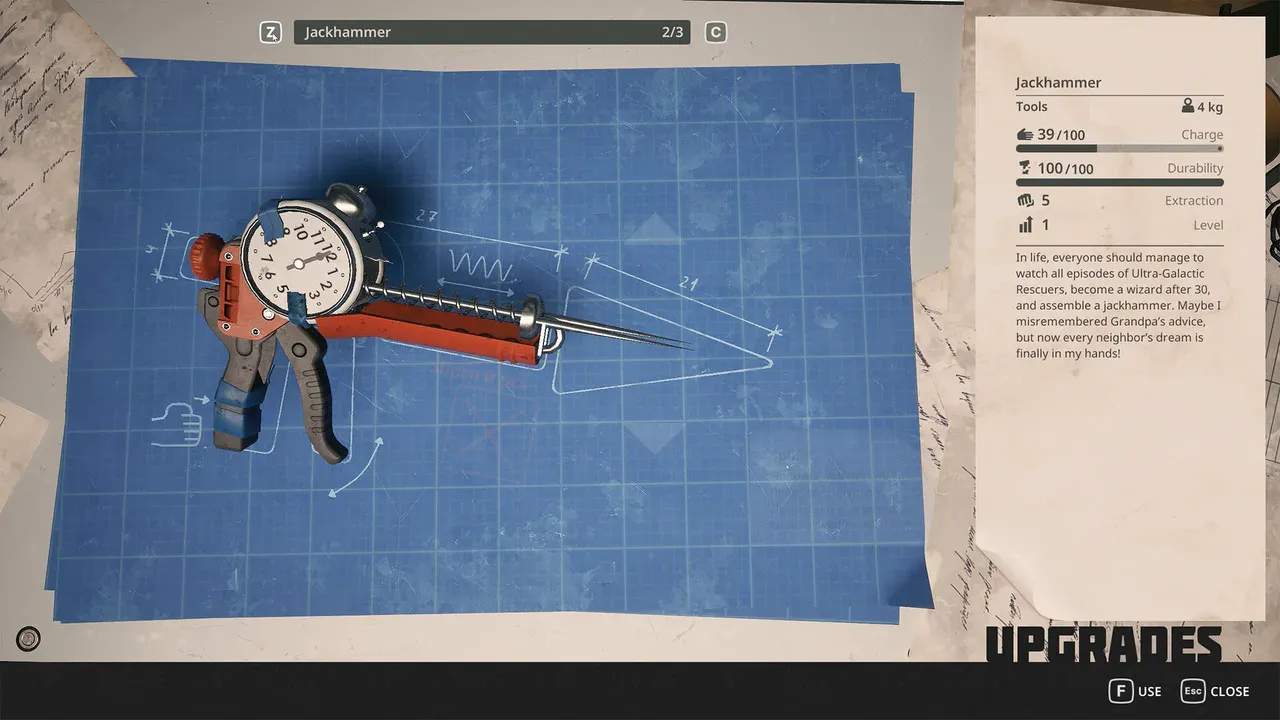
Gameplay
Breathedge 2 Crafting and Upgrades
Learn the Breathedge 2 crafting loop, identify materials by interaction, protect early bottlenecks, plan repairs, and choose useful suit and backpack upgrades.
Start Here
Breathedge 2 PC Requirements: Minimum, Recommended and Checks
Compare your PC with Breathedge 2's official CPU, RAM, GPU and storage requirements, then check bottlenecks and the 0.8.7 ultrawide fix.
Was this helpful?
Thanks for the feedback!